Map the whole hunting cycle
Write down the intended cycle before opening the settings: travel to the hunt, select creatures, process corpses, monitor supplies, return to depot, then resume the hunt. That reveals missing transitions before they become runtime problems.
Use the Cavebot setup guide to get a dependable route first.
Build features in a reliable order
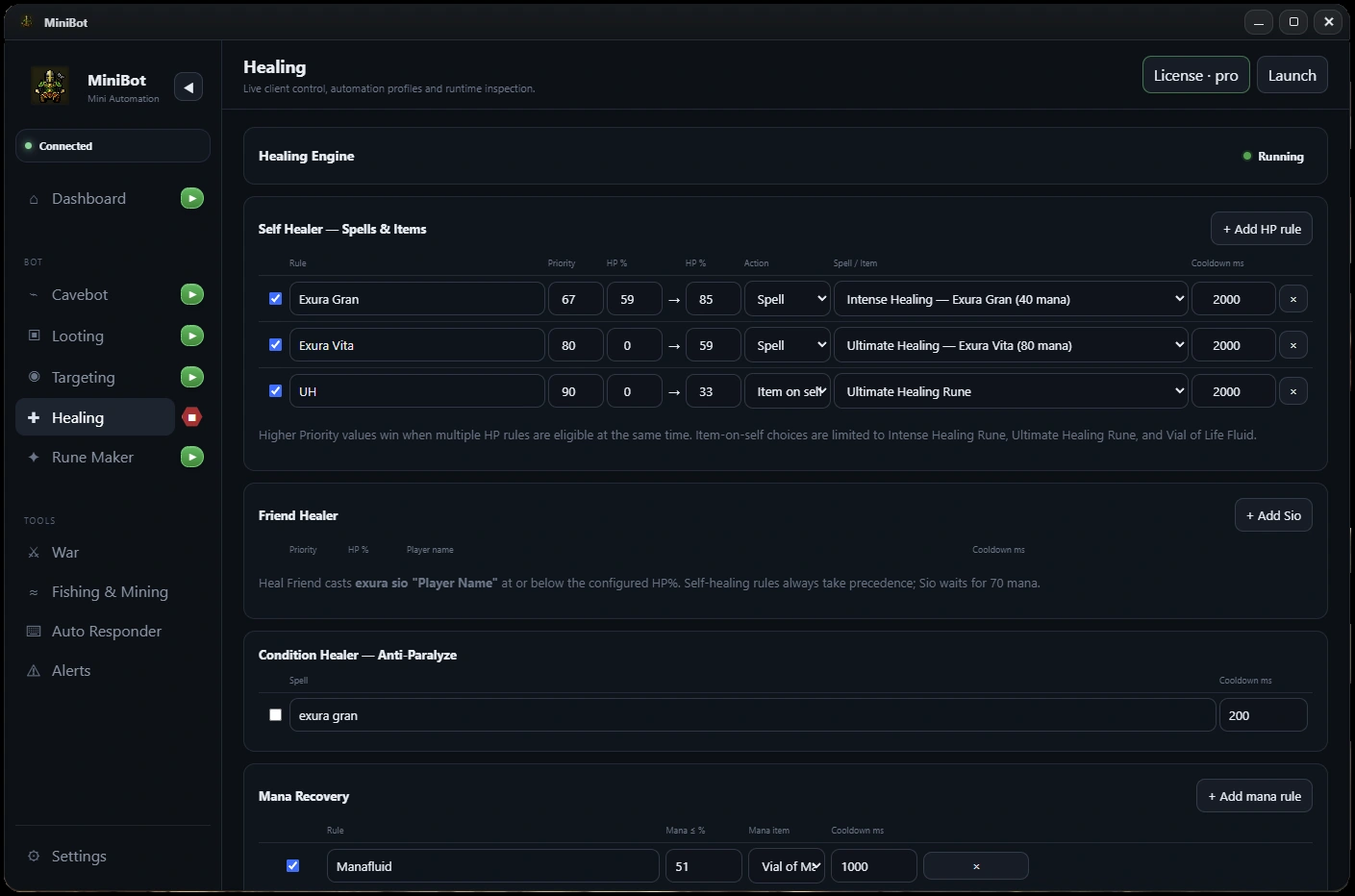
Start with Cavebot, then add one Smart Targeting rule, then Smart Looting. Configure Healing and mana recovery with sensible requirements before adding inventory thresholds and an Auto Depositor route.
- Supervise one navigation loop with no other automation.
- Verify target matching and attack actions separately.
- Verify a single corpse and item destination.
- Check healing and mana conditions with realistic values.
- Trigger the return-to-depot condition and complete one full cycle.
Plan for interruptions and changing conditions
Think about blocked tiles, disconnected clients, exhausted supplies, missing corpses and unexpected players. None of these are solved by adding more keywords to an AFK configuration; they require testing recovery and stop conditions.
Use MiniBot’s Alerts and master controls appropriately. Configure an interruption response and verify that you can safely stop automation on the right connected client.
Test a complete loop with observation
Run a supervised session that includes combat, looting, supply handling, a depot trip and route recovery. Make notes when a system fails to hand control back to the next one. Re-test after every significant configuration change.
A route that completes once in an empty area may behave differently with multiple creatures, full bags or a blocked path.
Set realistic expectations and review game rules
MiniBot is independent third-party software. Minibia’s published rules prohibit cavebotting and other non-native automation. Using automation may put a game account at risk; review the official game rules first.
MiniBot does not guarantee uninterrupted Full AFK operation. Long-running activity still depends on a compatible client, correctly configured routes, a stable connection and changing game conditions.
Before you enable a longer session
- Map the entire hunt → depot → return cycle
- Verify each engine independently before combining them
- Configure alerts and stop controls
- Complete at least one supervised full cycle
- Review game rules and avoid assuming uninterrupted operation
MiniBot is not affiliated with or endorsed by Minibia. Minibia’s published rules prohibit cavebotting and other non-native automation. Features may not work in every situation; review the game rules before use.